Awesome K8s Using Bash
Republished from Medium.
stop suffering when using kubectl
Introduction
Efficient Kubernetes management often entails repetitive kubectl commands. To streamline this, I've developed a set of Bash functions, collectively accessible via a gist.
All those functions will find a pod by partial name: partial_pod_name and run common k8s commands on the found pod.
we effectively scan through the pods in the current namespace and retrieves the name of the first pod that matches a given partial string. Those functions becomes particularly handy when dealing with dynamically generated pod names, where you typically know the deployment name but not the unique identifier of each pod.
The Functions and Their Usage
podNameSeeker [partial_pod_name] # find pod by partial name
shpod [partial_pod_name] # Access a pod (by partial name) using /bin/sh
bashpod [partial_pod_name] # Access a pod (by partial name) using /bin/bash
commandpod [partial_pod_name] [command] # Execute a command inside a pod (by partial name).
logpod [partial_pod_name] # Fetch logs from a pod (by partial name).
debugbashpod <partial_pod_name> #attach netshoot debug container to pod and bash into it"
debugcommandpod <partial_pod_name> <command> # attach netshoot debug container to pod and run command in it
The Debug Functions
netshoot is an awesome project , a container with all the network tools you will ever need. iperf , nc, curl, wget and more. you can use kubectl debug to attach and ephemeral container with it to your pod to debug it see Debugging with an ephemeral debug container
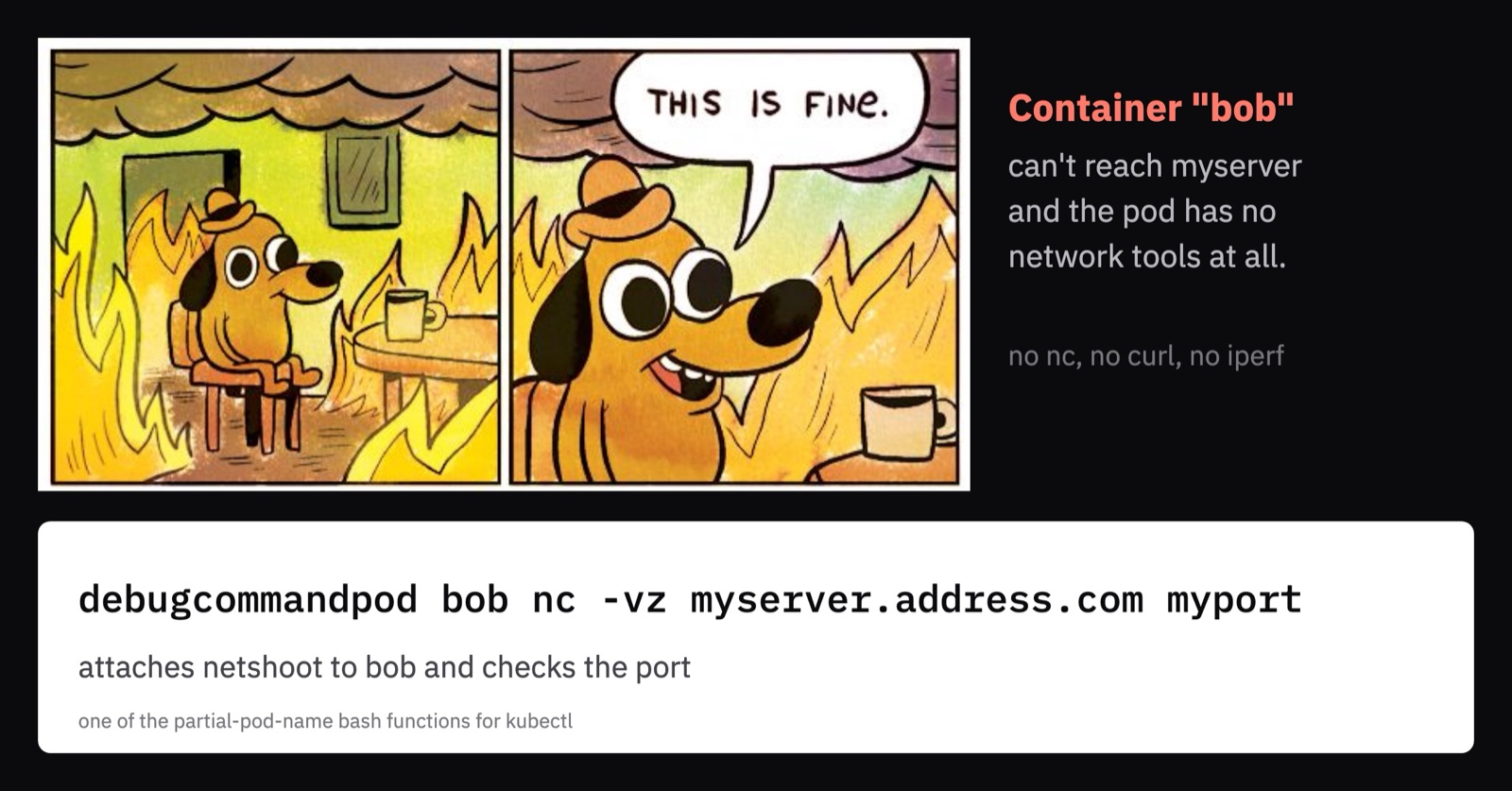
think about a container named "bob" trying to access "myserver.address.com" on port "myport" and falining but you have no networking tools installed on the pod
debugcommandpod bob nc -vz myserver.address.com myportwill attach netshoot to the bob container and run NC to myserver.address.com and check if myport is open
The Codehttps://medium.com/media/9dd483e9b2a7fb251de1a40bc598d401/href
Integrating into Your Shell
To add these functions to your shell environment, you can run the following command in your terminal:
curl -sL https://gist.githubusercontent.com/NahumLitvin/e8e67bb33a0fc0f8f61b28c64303aea1/raw/d35e95e1c408c382739258dd7048bb866277946e/podseeker.sh > ~/podseeker.sh && \
echo '[ -f ~/podseeker.sh ] && source ~/podseeker.sh' >> ~/.${SHELL:t}rc && \
source ~/.${SHELL:t}rc
This one-liner will append the functions to your .bashrc or .zshrc and reload the configuration.
Conclusion
These custom Bash functions are designed to make Kubernetes pod management more efficient and user-friendly. By incorporating them into your workflow, you can reduce time spent on routine commands and focus on more complex tasks.
References
- Original First published on Medium
Comments