Effortless Git: Introducing compush, a One-Stop Git Command
Republished from Medium.
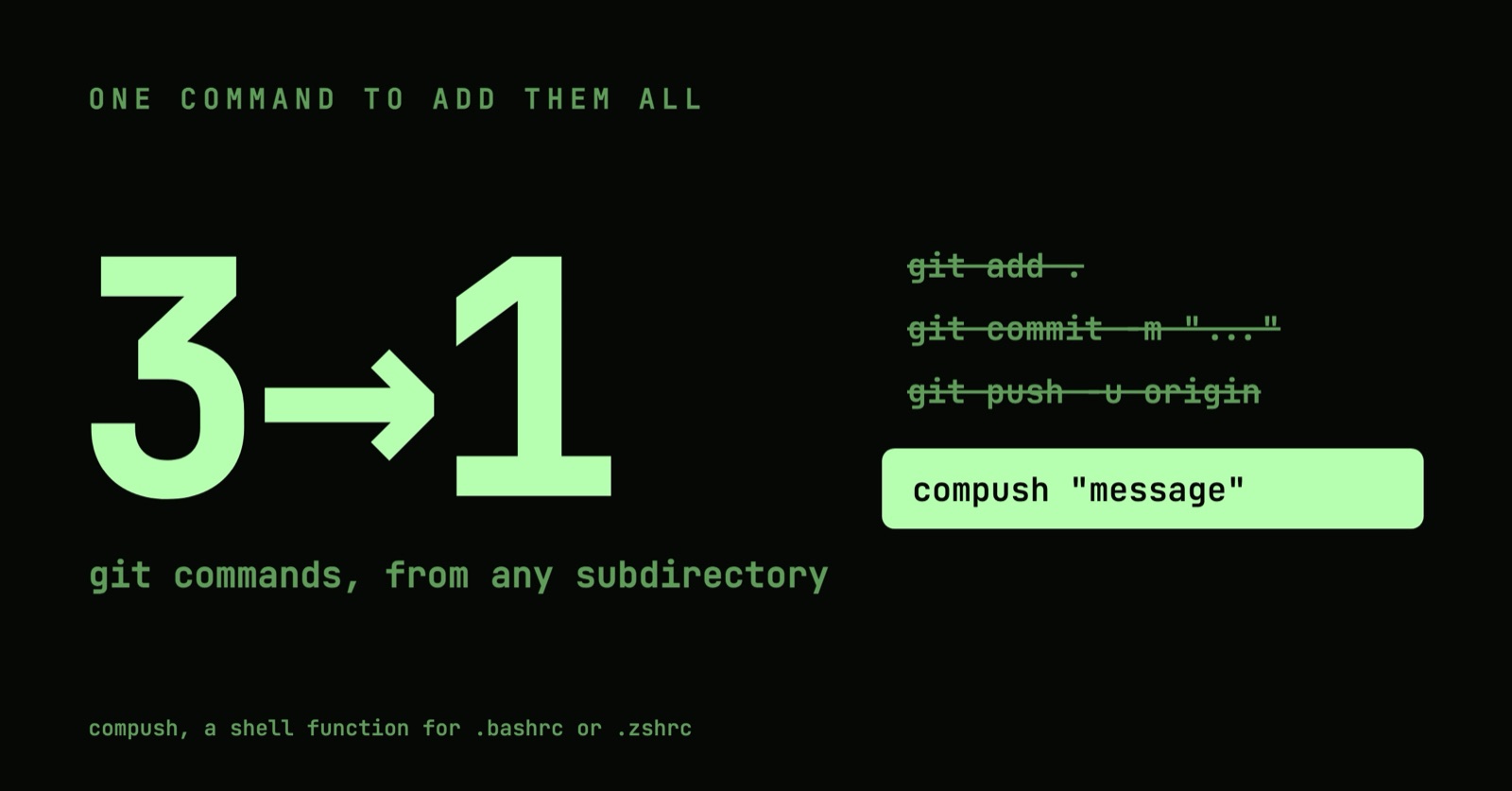
"One command to add them all, one command to commit them, One command to push them all, and in the remote branch compush them; In the Land of Bash, where the Git repos lie."
TL;DR
"One command to rule them all: Add, commit, and push in a single stroke. Simply integrate it into your bash configuration, and embark on your coding quest with ease."
What is compush?
compush is a clever shell function that transforms the usual multi-step process of staging, committing, and pushing changes into a single, streamlined operation. Its standout feature is its ability to work from any subdirectory within your Git repository, eliminating the hassle of navigating back to the root directory. This functionality is a real time-saver, allowing you to concentrate more on coding and less on command-line intricacies.
How compush Enhances Your Workflow
When you call compush into action, it kicks off a series of operations:
- Finds the Git Repository's Root: It intelligently locates the top-level directory of your Git repository, or uses the current directory if it's not in a Git repo.
- Stages Changes: Automatically adds all changes from the top-level directory to the staging area.
- Commits Changes: Commits the staged changes, using either your provided commit message or an empty message if none is specified.
- Pushes to Remote: Effortlessly pushes the commit to the origin remote of the current branch and sets up tracking.
Setting Up compush
To incorporate compush into your workflow, add this function to your shell configuration file (.zshrc for Zsh users or .bashrc for Bash users):https://medium.com/media/e6e7c5168b04ddaa25f18e4f9ffba6fe/href
Activating compushTo activate compush, source your configuration file:
- For Zsh: source ~/.zshrc
- For Bash: source ~/.bashrc
Using **compush **, within any directory of your Git repository, execute:
comush "Your insightful commit message here"To a commit without a message:
compushReferences
- Original First published on Medium
Comments